A new purchasing experience in the digital age with

Experience Smartphone Checkout with GS1 2D Symbols


Our smartphone checkout demo introduces a new purchasing experience powered by GS1 2D symbols. By displaying additional information such as allergens, origin, and expiration dates, and leveraging LINE Mini Apps, we enhance post-purchase engagement. Furthermore, the system aims to reduce food waste and build a unique ecosystem through features like automatic discounts based on expiration dates and loyalty point rewards. It also prevents the accidental sale of expired products, ensuring a safer and more seamless shopping experience.

You can view the demo by launching LINE on your smartphone and scanning this QR code. You can view the demo by tapping the “Go to Demo Screen” button below on your smartphone.

Before using, please note that the Smart Retail demo app will get your LINE account profile information (display name and user ID). Only the user ID will be stored on the server, but the stored data will be deleted every day.

Payment will be made from the LINE Pay balance provided by this demo app. No actual payment method is selected or made.


The bar code scanner portion of the demo app is based on Scandit. We use the Barcode Scanner SDK.
Please contact us for inquiries about our products. For more information, contact Scandit.
NEW
Smart Retail
LINE Official Account: LINE Use Case-SR
Operation image of the Smart Retail function using QR code Go to Demo Screen
GS1 Target Products

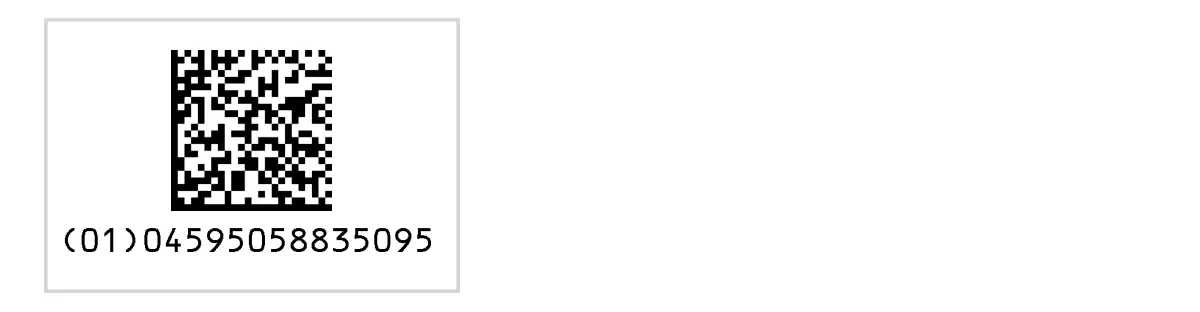
Scan the DataMatrix below using the smartphone checkout app to experience the demo using GS1 standard 2D symbols.
Displayed Information: Expiration dates, allergens, and origin.

GS1対象商品

Experience a demo that brings OMO to life

You can view the demo by launching LINE on your smartphone and scanning this QR code. You can view the demo by tapping the “Go to Demo Screen” button below on your smartphone.

Before using, please note that the Smart Retail demo app will get your LINE account profile information (display name and user ID). Only the user ID will be stored on the server, but the stored data will be deleted every day.

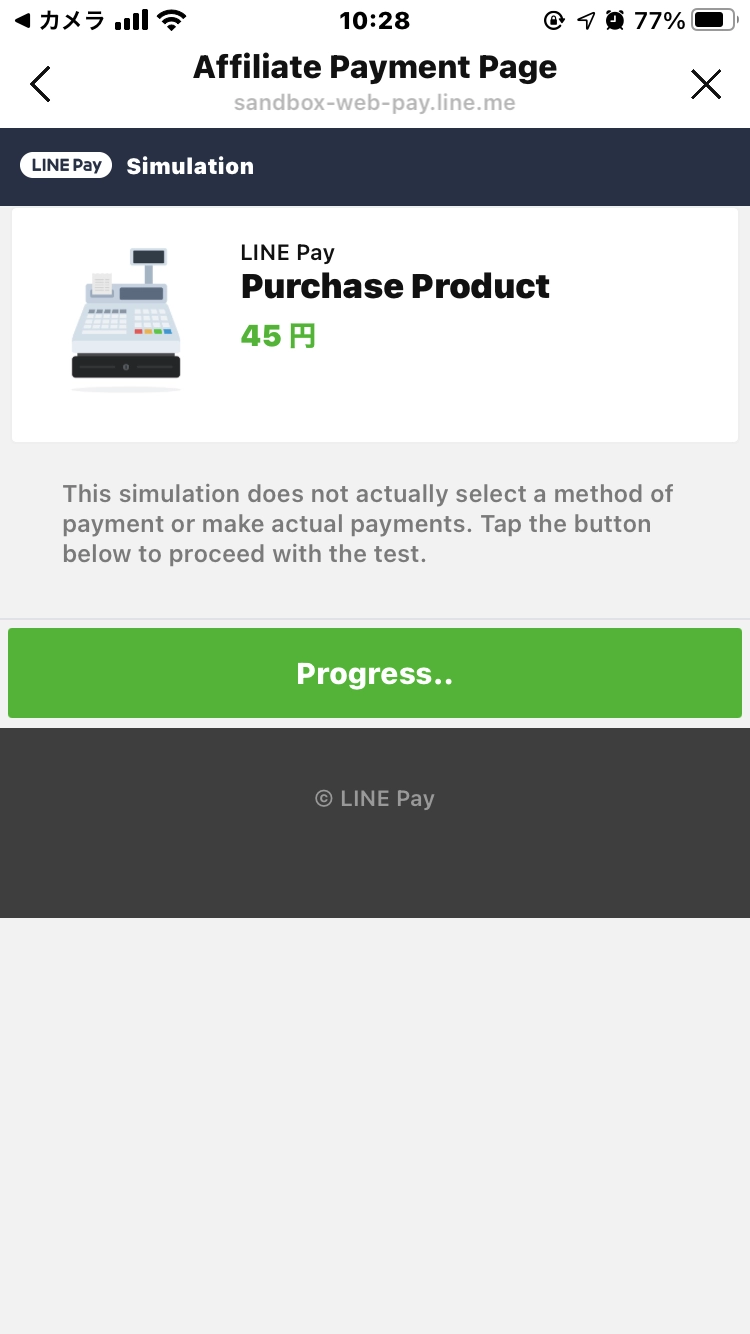
Payment will be made from the LINE Pay balance provided by this demo app. No actual payment method is selected or made.


The bar code scanner portion of the demo app is based on Scandit. We use the Barcode Scanner SDK.
Please contact us for inquiries about our products. For more information, contact Scandit.
OMO-Style Smart Store Demo
LINE Official Account: LINE Use Case-OMO
To use the demo, visit the desktop version of the site.

How to use

*The screen design may differ depending on the version you are using

Smart Retail function demo app operation flow Read QR code
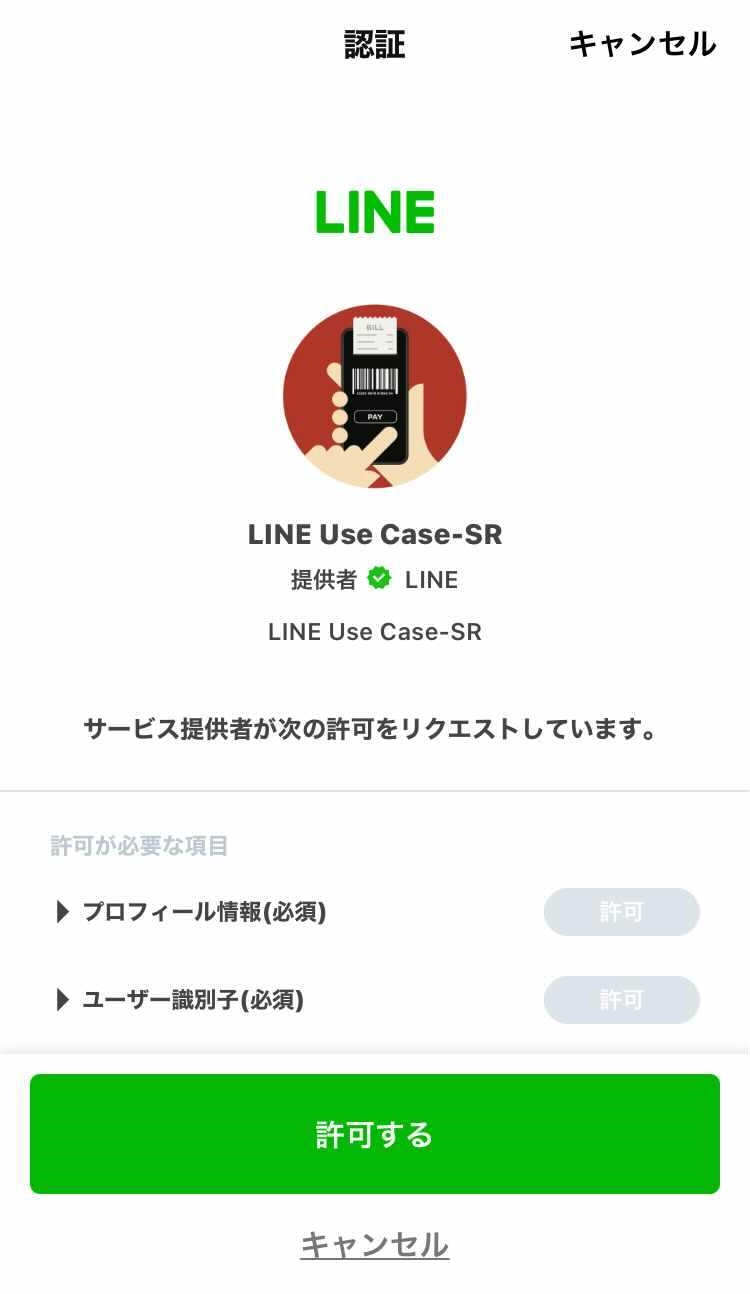
1.Scan the QR code
Smart Retail function demo app operation flow Authorize required permissions
2.Authorize the required permissions
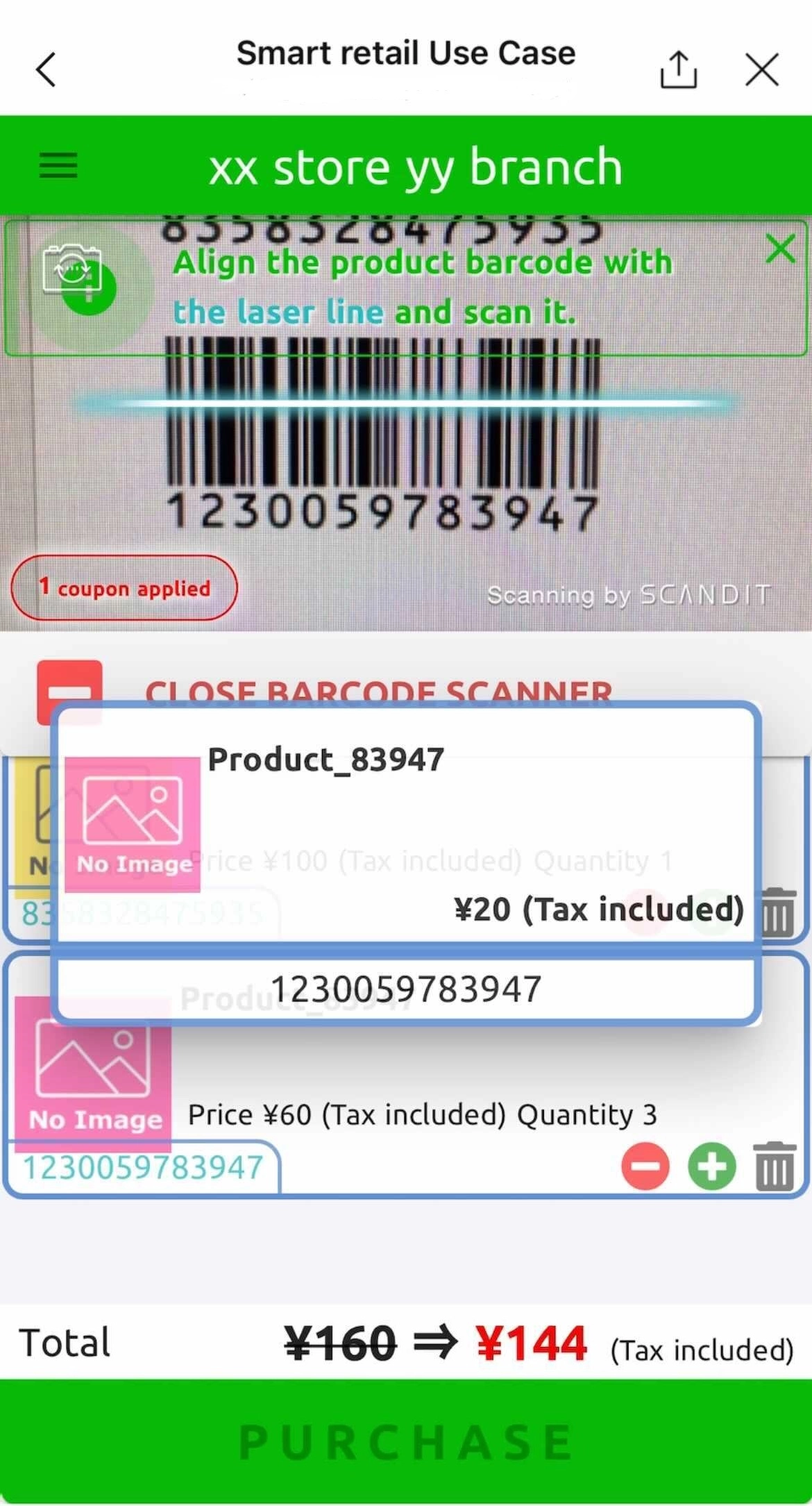
Smart Retail function demo app operation flow Select a product and place an order
3.Read bar code
Smart Retail function demo app operation flow Pay
4.Pay

How to use

*The screen design may differ depending on the version you are using

Smart Retail function demo app operation flow Read QR code
1.Scan the QR code
Smart Retail function demo app operation flow Authorize required permissions
2.Authorize the required permissions
Smart Retail function demo app operation flow Select a product and place an order
3.Read bar code
Smart Retail function demo app operation flow Pay
4.Pay
slider1 stepper1

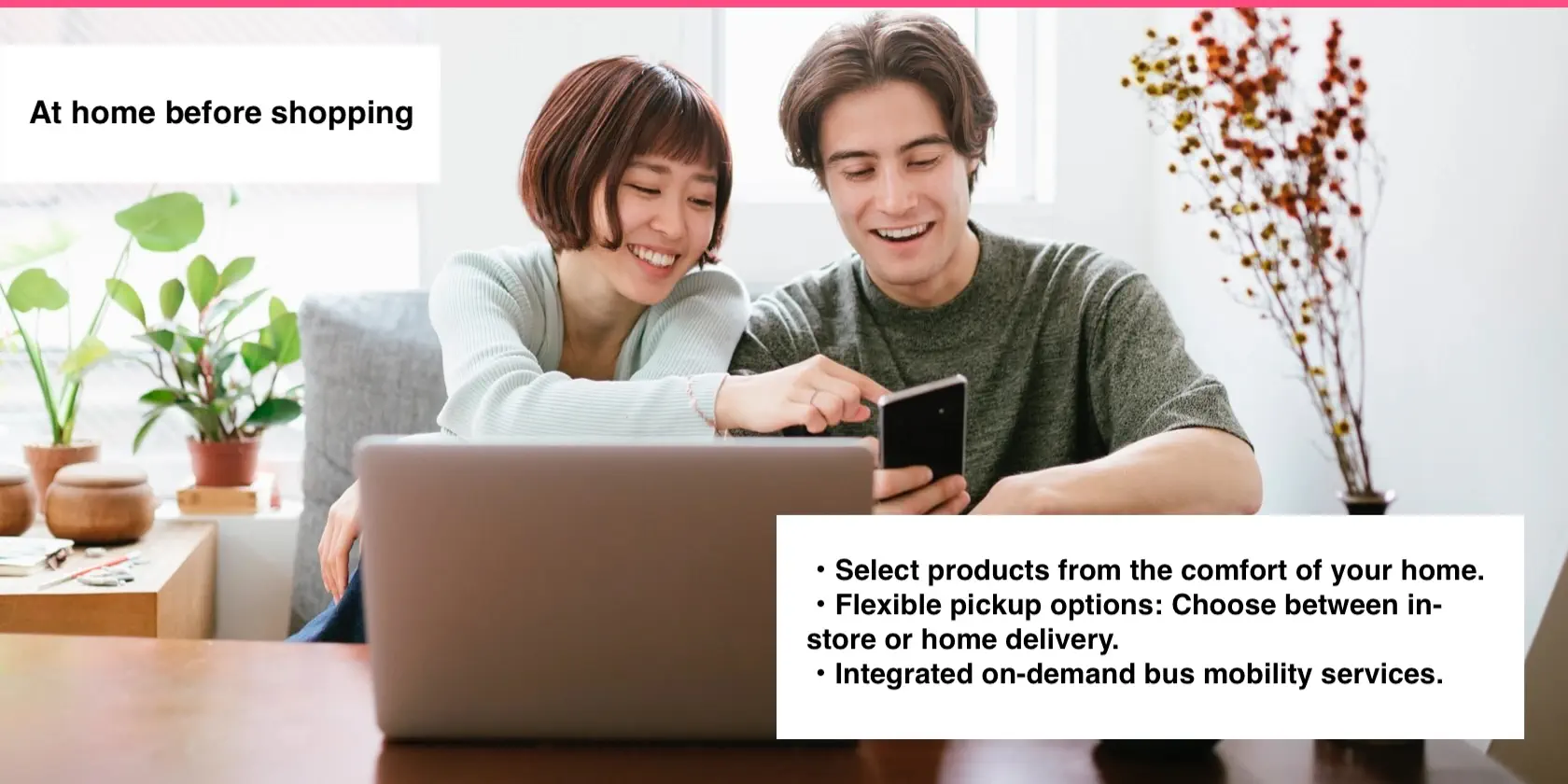
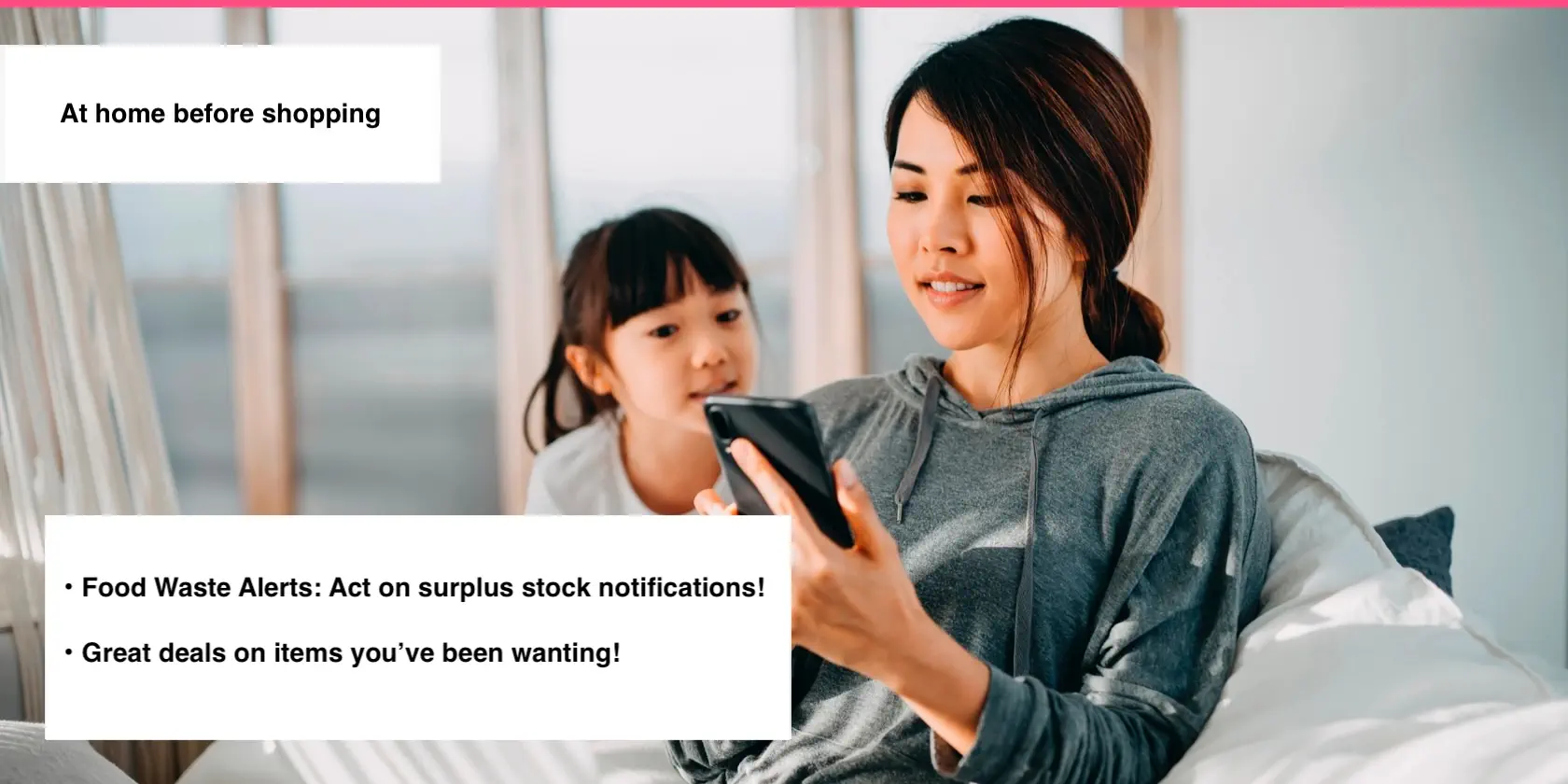
You receive a LINE notification from WOW Mart while relaxing at home.

From the notification, you can perform three actions.
(1) Book a bus and visit the store
Book an on-demand bus through our partner bus company on LINE and head to the store.
(2) Purchase items on the LINE app and pick them up in-store
Order items from the in-app online store and have them delivered to the store.
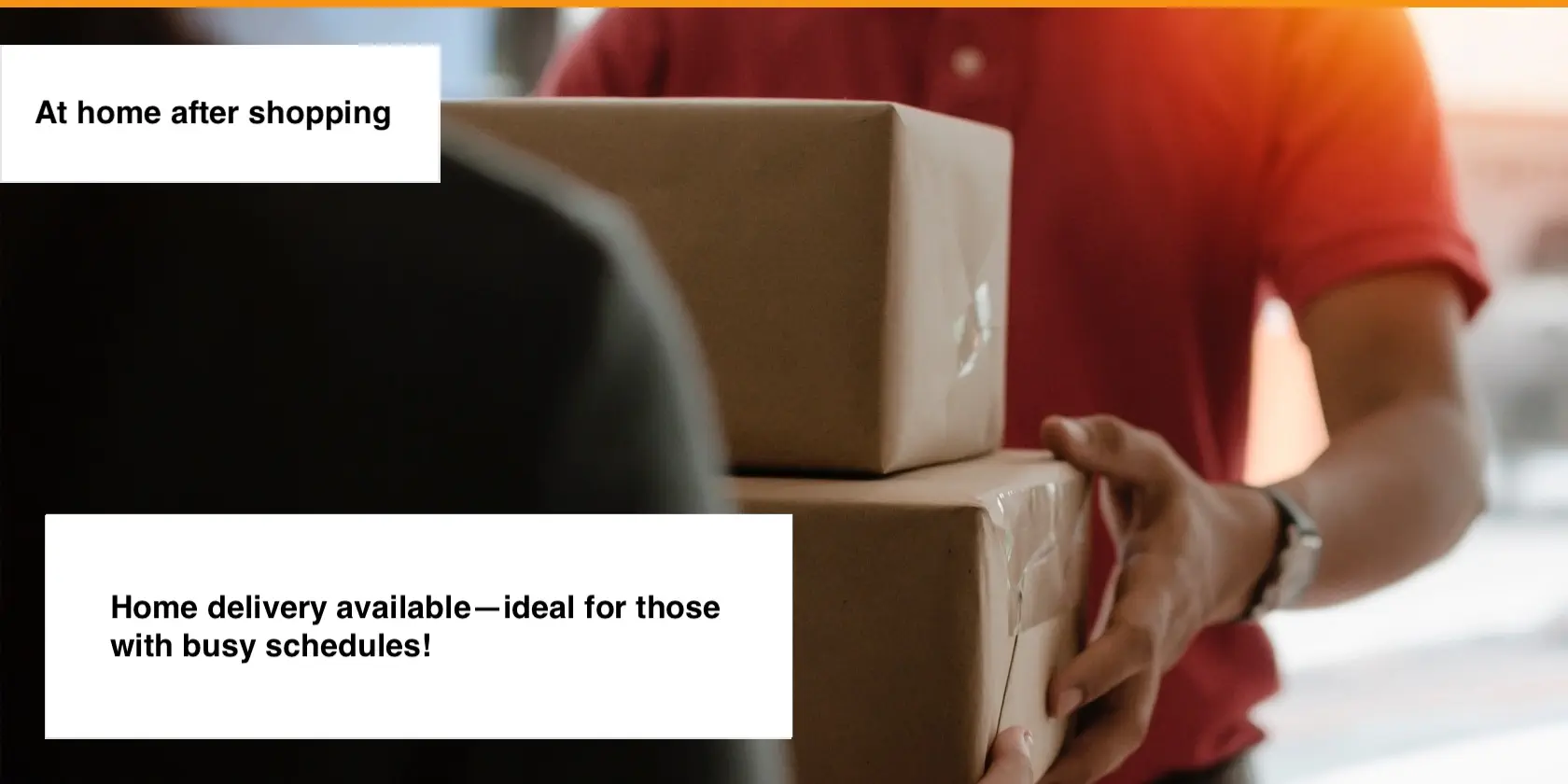
(3) Purchase items on the LINE app and have them delivered to your home
Order items from the in-app online store and have them delivered to your home.

The demo will proceed by operating LINE on your smartphone or by clicking the buttons that appear on the screen.

slider2 stepper1

Retrieving data. Wait a few seconds and try to cut or copy again.

A beacon-triggered notification will be sent to your LINE. Please scan the QR code below.

slider3_1 stepper1

You received a notification about items identified for waste reduction.
Since it's a great deal, you've decided to go shopping at the mall where WOW Mart is located.

Tap the button in the LINE notification to move to the mall.

slider1 stepper1

Arrived at WOW Mart.

A welcome message has been sent via the beacon installed at WOW Mart. Please check your message.

slider4-sub
slider1 stepper2

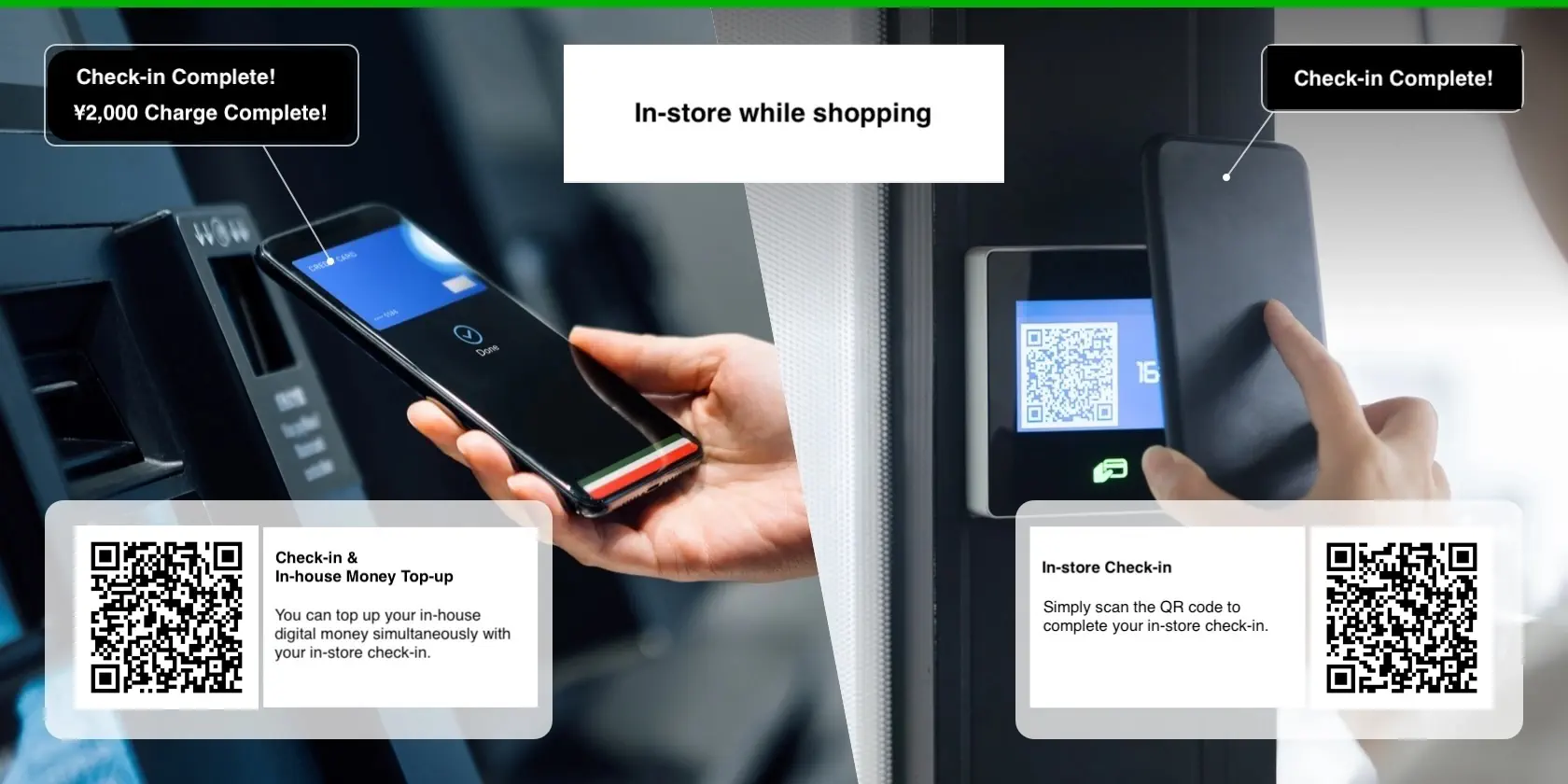
You have reserved a spot in the lounge and arrived at the store entrance.
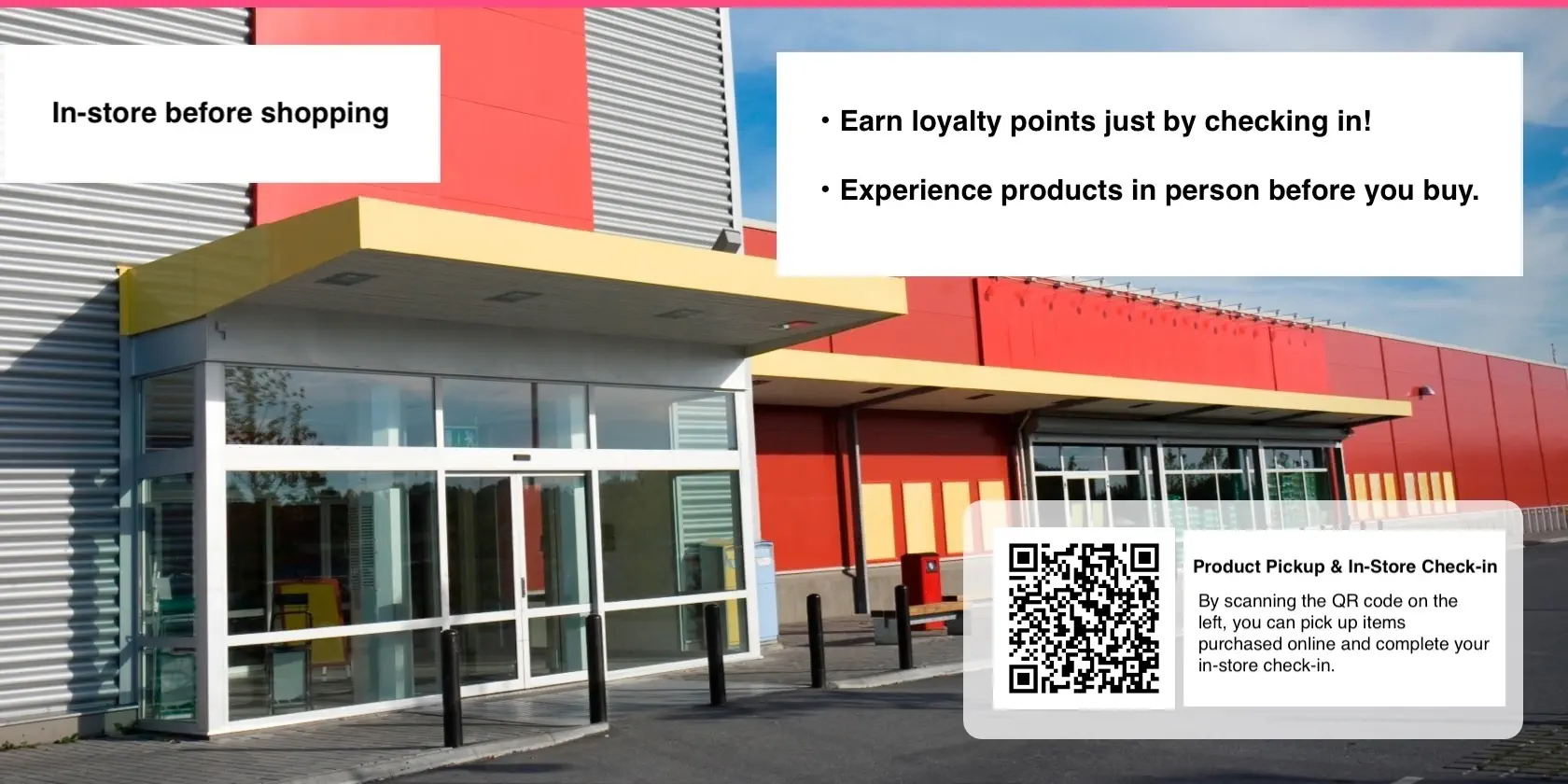
Scan the QR code to check in.

You can check in by launching the Mobile Checkout from LINE and scanning the QR code.
At this time, you can also top up your in-house digital money. You can proceed into the store after completing check-in.

slider6 stepper1

You have moved in front of the in-store digital signage.

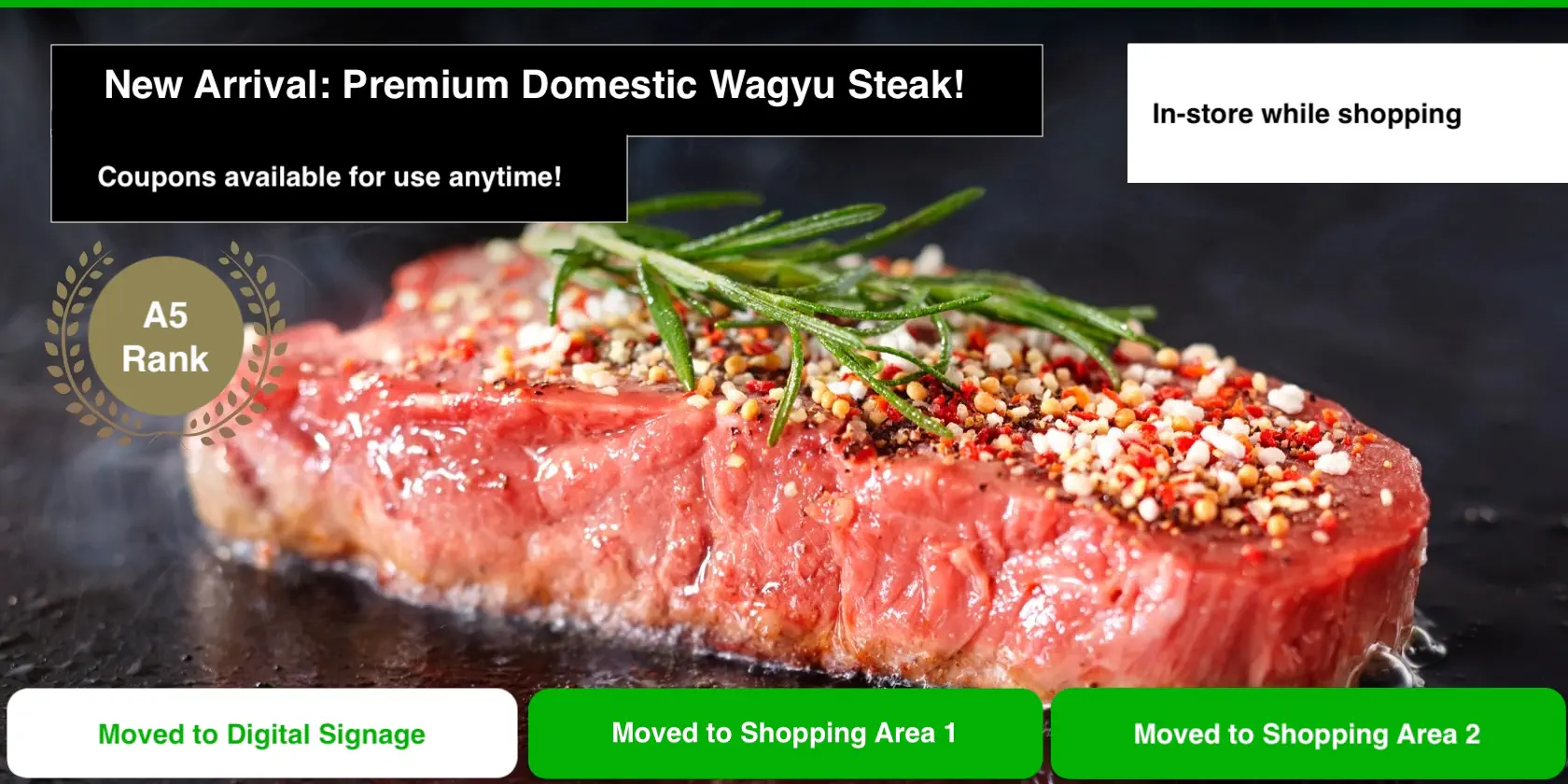
A coupon for steak beef will be sent to your LINE. Wait a moment, and the display will switch to another ad with a QR code.
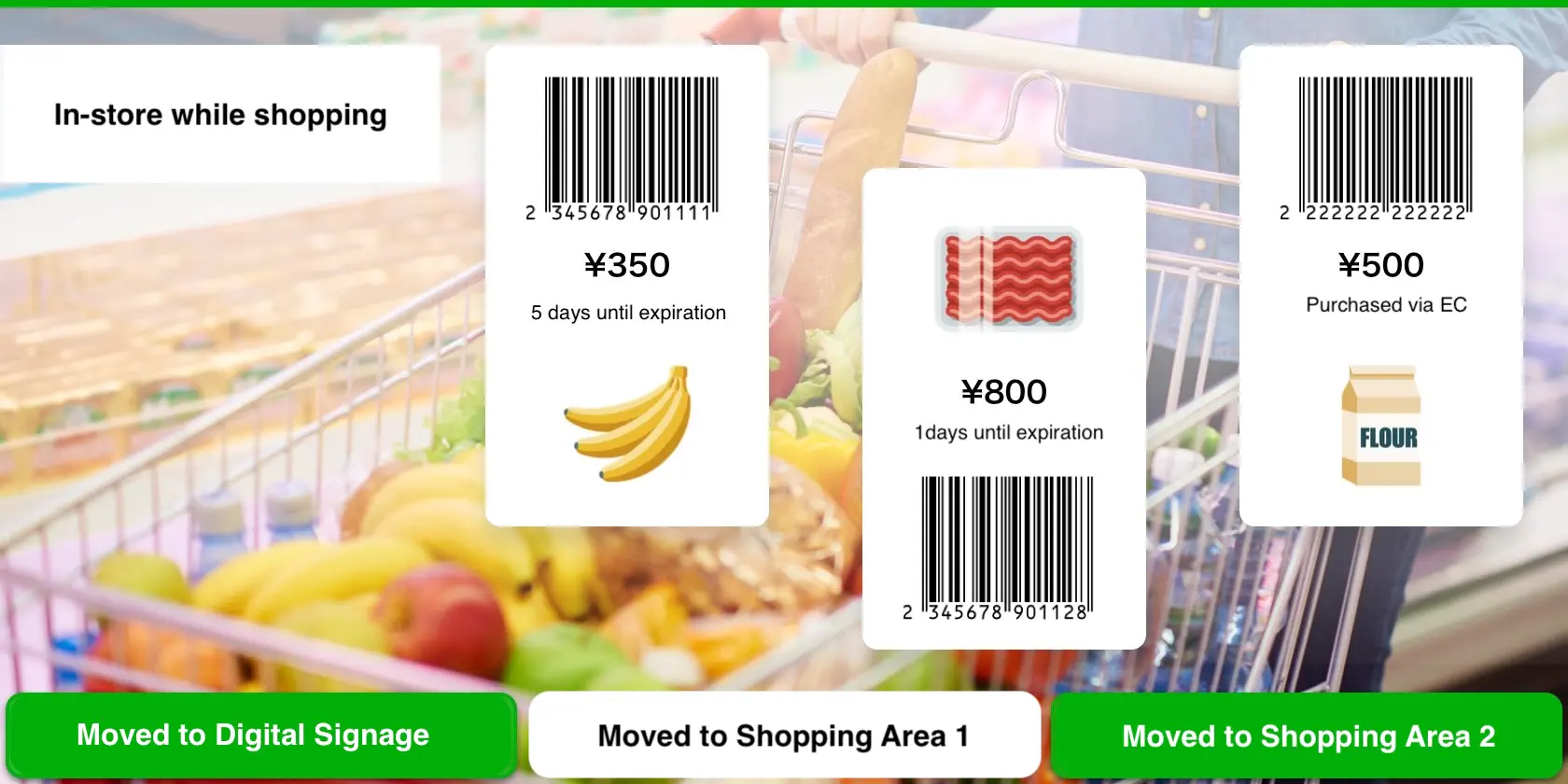
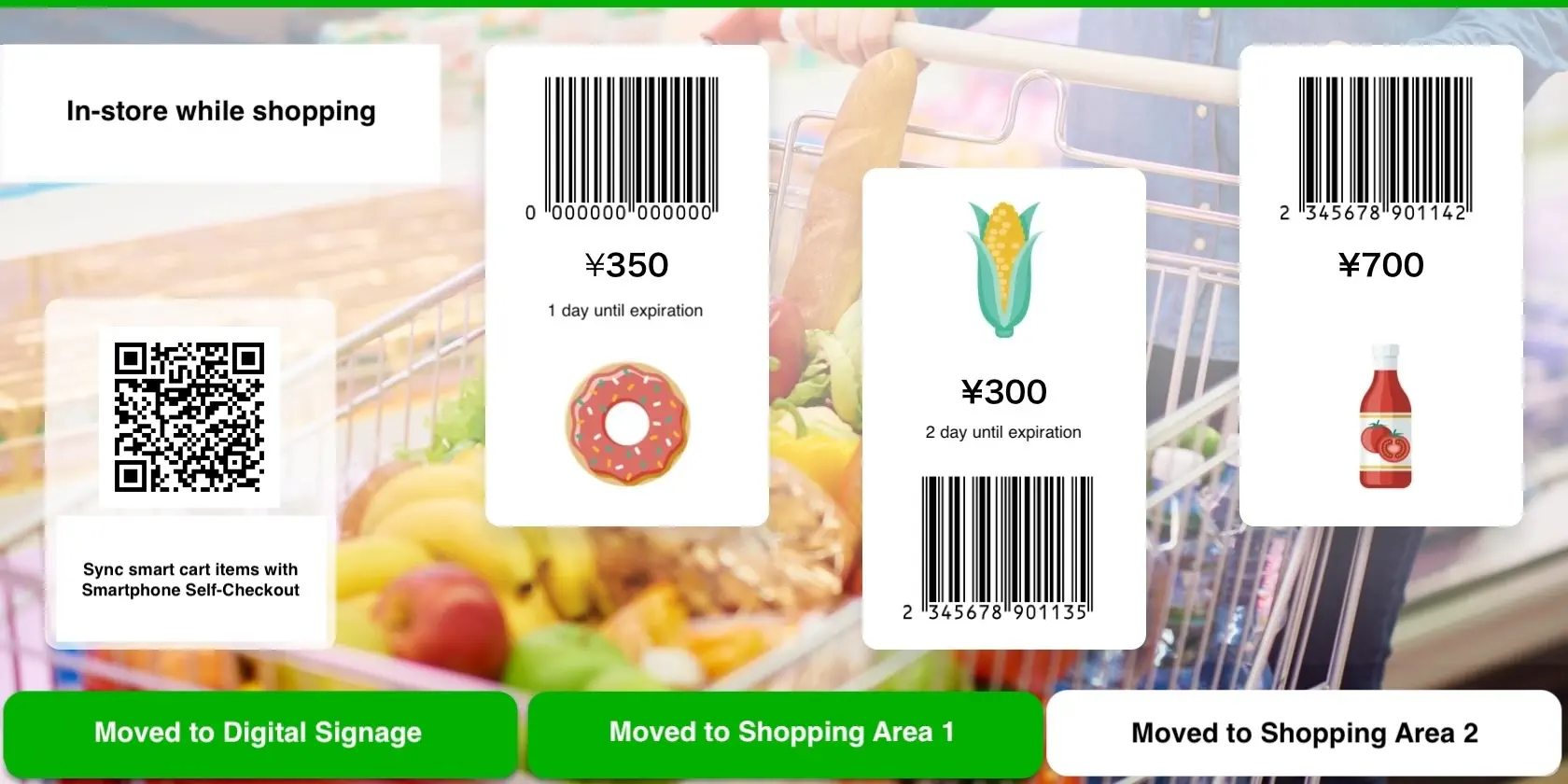
To switch locations, select a tab at the bottom of the screen. To proceed, scan an item with Mobile Checkout and tap "Proceed to Checkout.
slider7 stepper1
slider7 stepper1

Launch the Mobile Checkout from the rich menu in the LINE Official Account chat,
scan product barcodes, and enjoy your shopping.

slider5-sub
slide8 stepper1

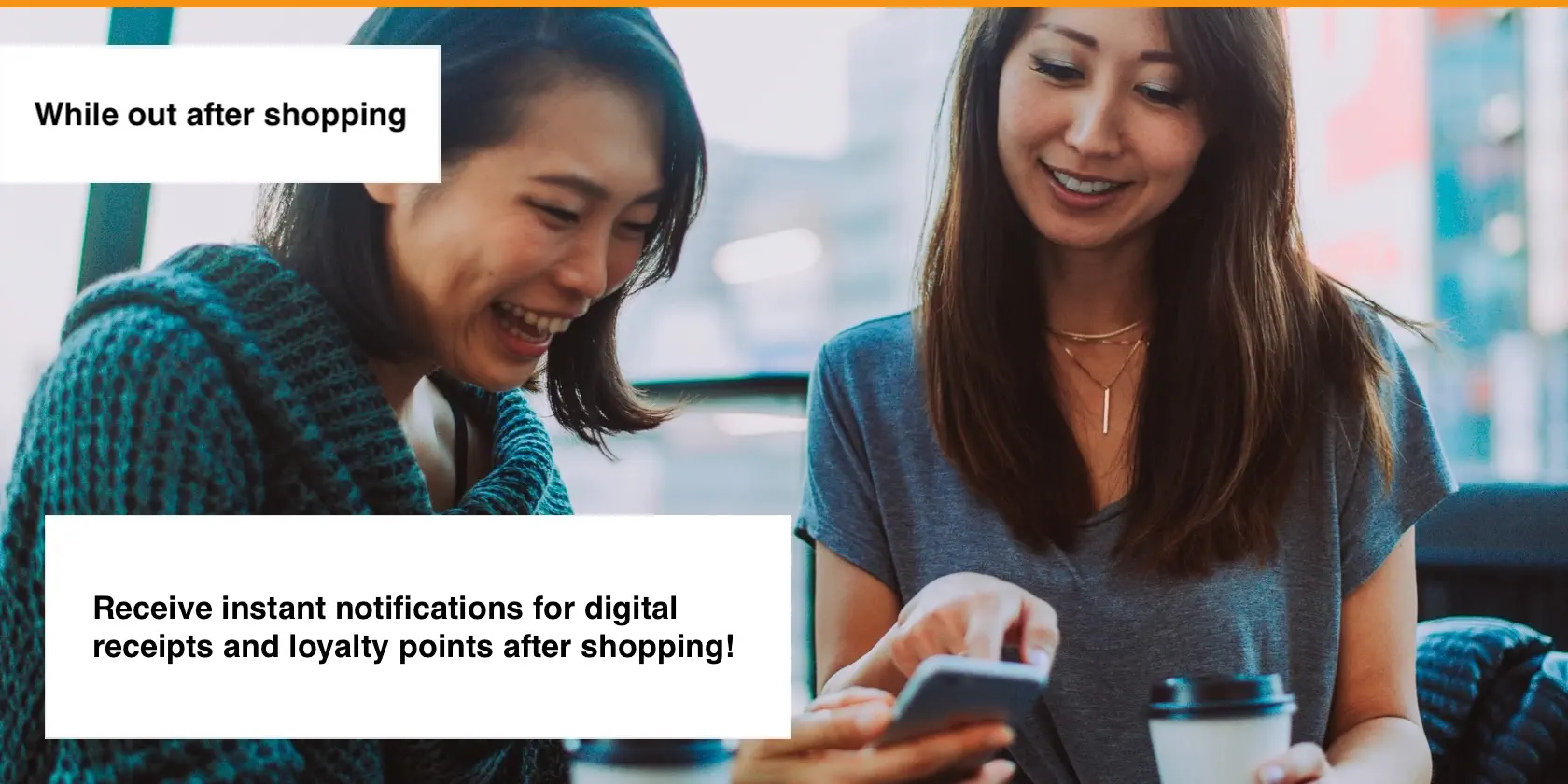
Purchase complete.

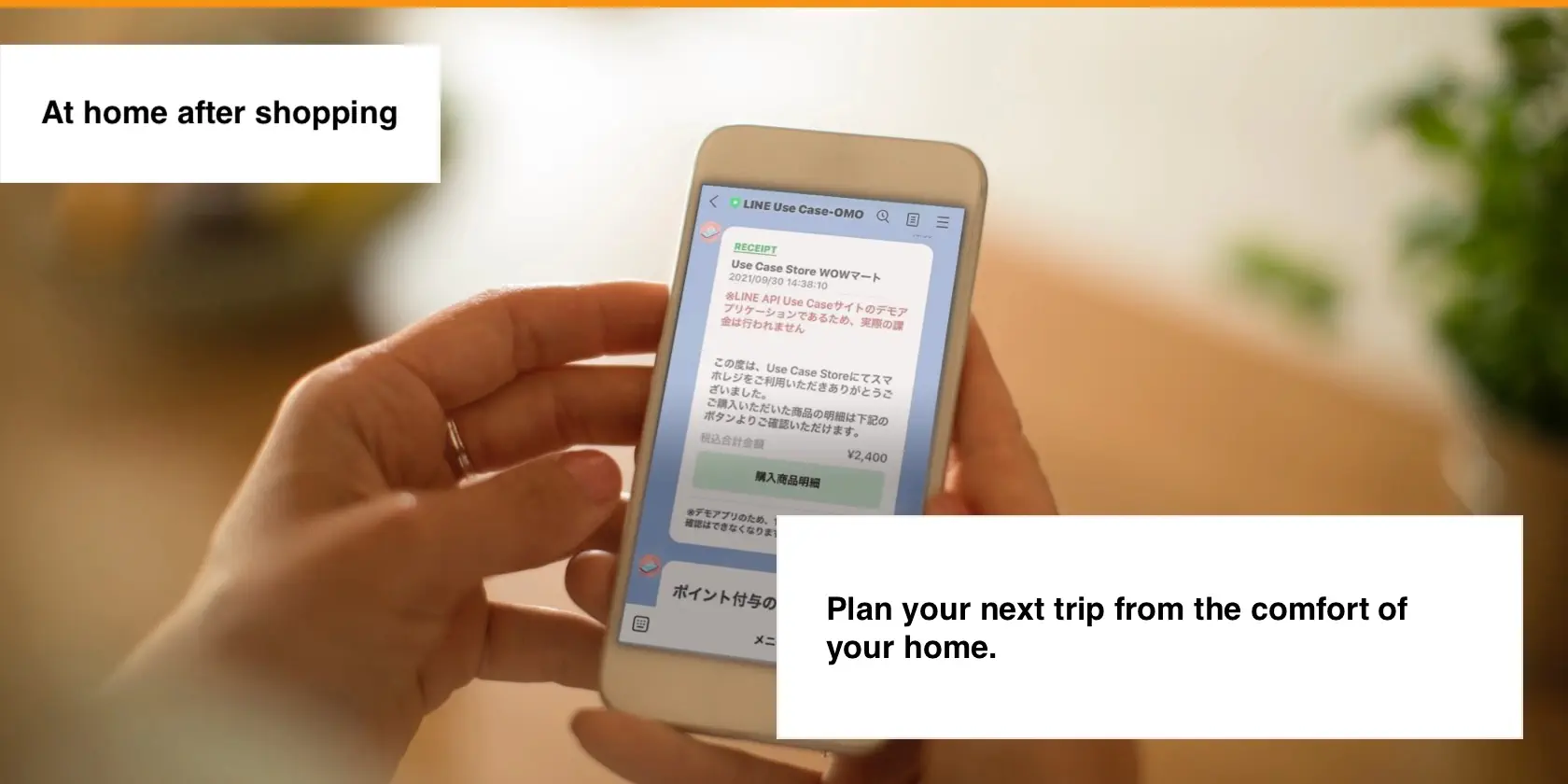
A purchase confirmation message like the one below has been sent.

slider5-sub
slide8 stepper1

Arrived home. Great job today!

A message will be sent to your LINE.
Please check your message.

slide8 stepper1

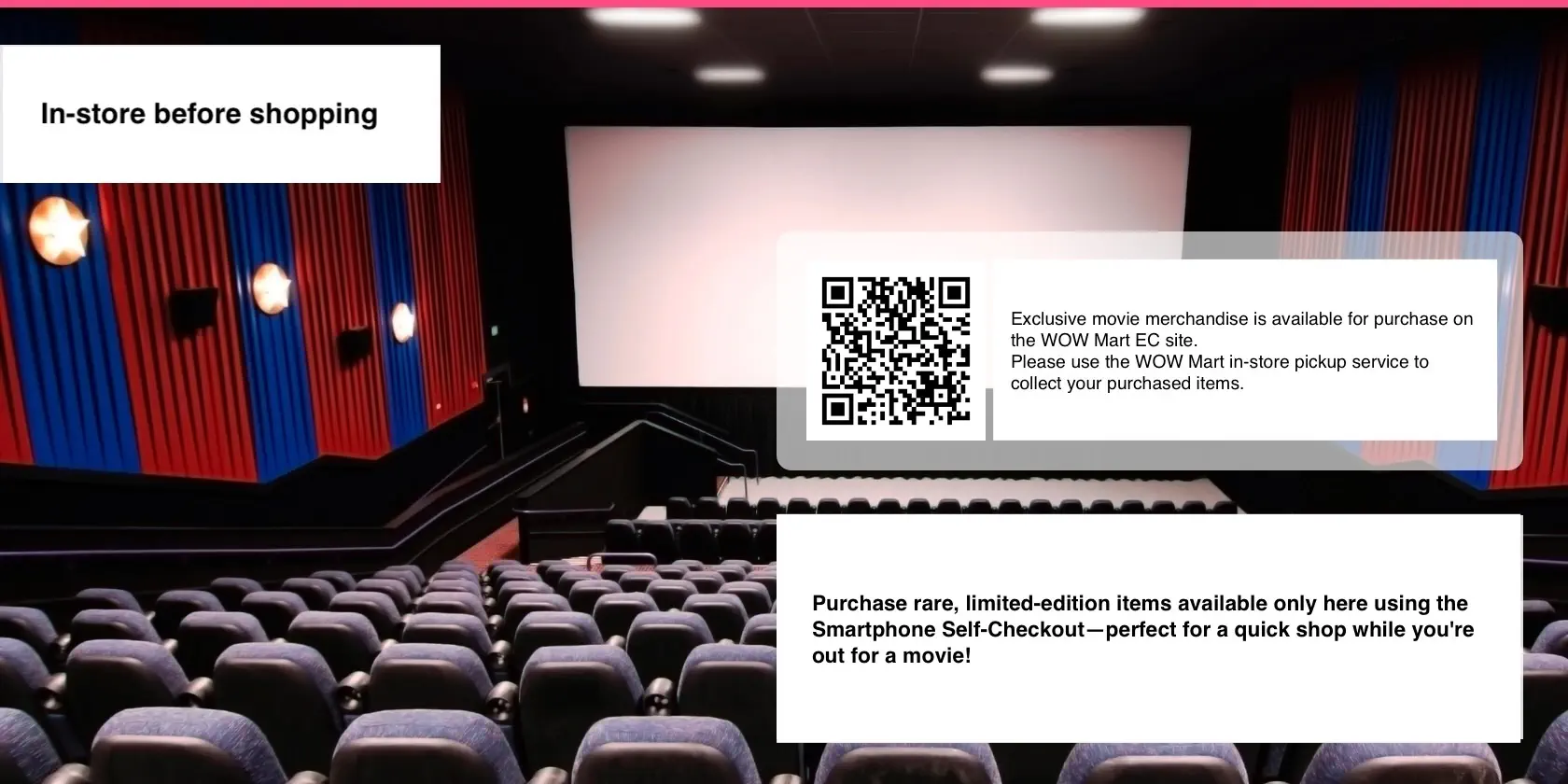
You've arrived at the cinema in the mall!

You earned a movie ticket as an SDGs contribution reward, so you've decided to catch a popular movie while picking up your items at WOW Mart.
Let's enjoy the latest film.

slide8 stepper1

Your ordered items have arrived!

Pickup complete.
In a moment, you will receive a message from WOW Mart about special price items.